
A Pre-Trip Tech Checklist for Travel Days
Get your devices, backups, and accounts ready so travel does not become a tech headache.
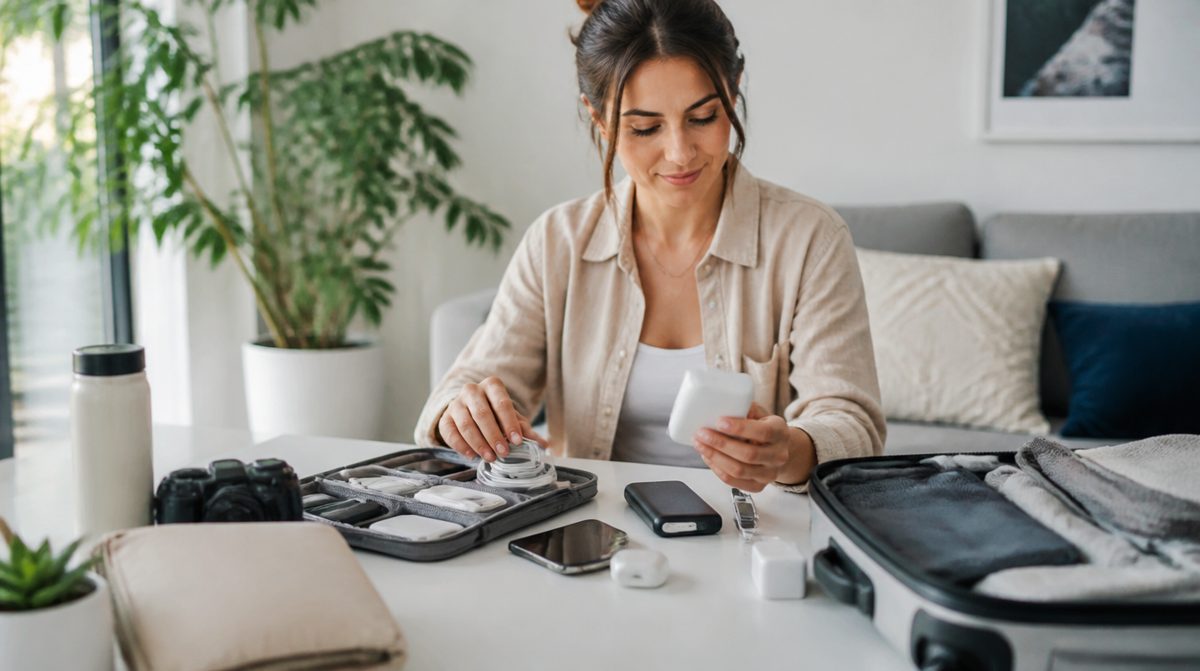
Travel puts your devices in unfamiliar places: airports, hotels, rental cars, and shared networks. A bit of preparation reduces the chance of losing access to your tickets, your photos, or your accounts. Use this checklist in the days before you leave and again on the morning you travel.
One week before
- Install any pending updates on your phone, laptop, and tablet so they do not interrupt you mid-trip.
- Back up your phone and laptop and confirm the backups finished.
- Check that two-factor authentication works for your key accounts, and save backup codes somewhere that does not depend on your phone.
- Make sure your phone plan and any travel arrangements are in order, and ask your carrier about coverage for the places you will visit.
- Turn on device-finding features on every device you carry.
- Download offline maps for your destination.
Two days before
- Download tickets, boarding passes, hotel confirmations, and reservations into your phone's wallet app, and save screenshots as a backup.
- Download shows, music, and podcasts for flights and long drives.
- Clear space on your phone for travel photos.
- Charge power banks and test that your cables work.
- Pack a short list of essential contact numbers on paper.
Pack the right gear
Power
- Phone and laptop chargers
- A portable battery pack that meets airline rules, packed in your carry-on
- Plug adapters if you are traveling abroad
- A short extra cable, since cables are the most commonly lost item
Comfort and utility
- Headphones
- A small cable organizer
- A cheap tracker tag in your luggage if you use one
Protect your privacy on the road
- Avoid logging into banking or other sensitive accounts on public Wi-Fi unless you use a trusted VPN or your phone's hotspot.
- Do not plug your phone into unknown public charging ports. Use your own adapter and cable instead.
- Turn off automatic connection to open networks.
- Keep screens angled away from strangers when entering passwords.
- Lock devices when you set them down, and never leave them unattended in a vehicle or at a table.
At the airport and hotel
- Keep a copy of your tickets accessible without a data connection.
- Keep valuables and chargers in carry-on bags rather than checked luggage.
- Confirm the hotel network name with the front desk before connecting.
- Log out of shared computers, and never save passwords on them.
If something goes wrong
If a device is lost or stolen, use the find-my-device feature to locate it, lock it, or erase it remotely. Contact your carrier to suspend the line if needed, and change passwords for important accounts from a safe device. Report thefts to local authorities or the airline when appropriate.
When you get home
Back up your photos, review your devices for strange apps or settings, and update any passwords you used on public networks. Recharge everything and put your travel kit back together so it is ready next time.
It also helps to keep one small pouch that holds your travel essentials all year, including a charger, a spare cable, and a power bank. When it is time to pack, you can grab the pouch instead of hunting through drawers. After each trip, restock anything that ran low, so the next departure starts from a ready position rather than a scramble the night before.
Good travel tech comes down to preparation: update, back up, download, pack power, and protect your privacy. A few quiet checks at home can keep a trip on track.