
A Smart Home Starter Checklist for First-Time Setups
A planning checklist that helps beginners build a smart home that is reliable, secure, and easy to use.
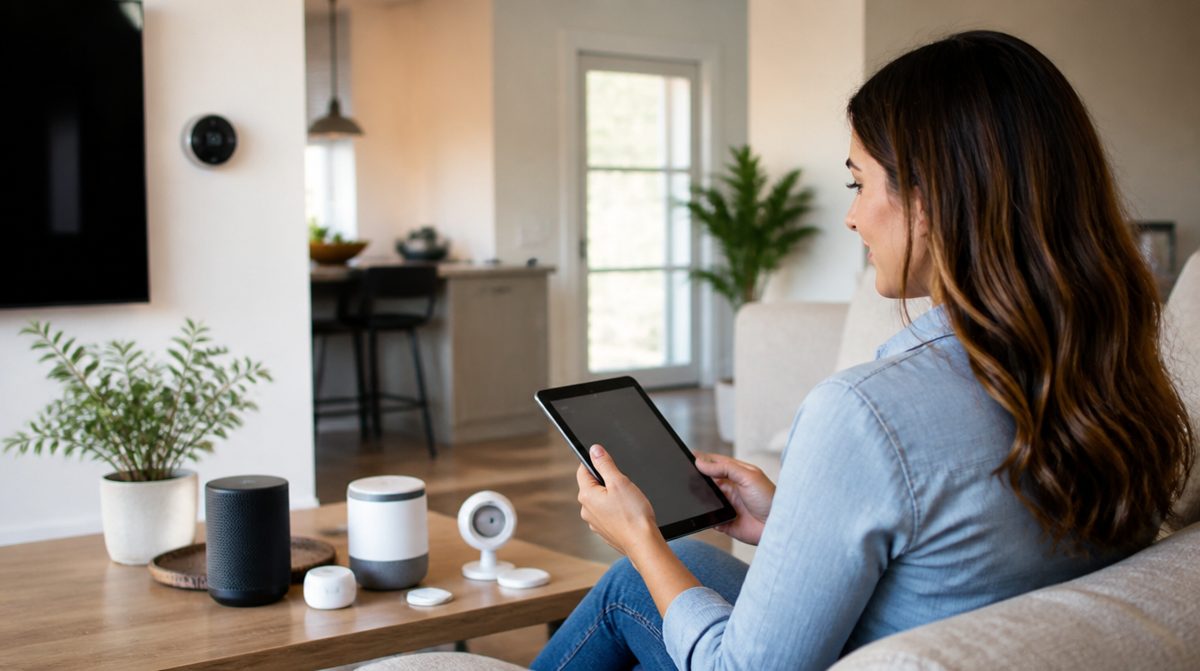
A smart home can be as simple as a few lights that respond to your voice, or as elaborate as a house that adjusts itself throughout the day. Beginners often rush into buying gadgets and end up with devices that do not work together. This checklist helps you plan before you start and avoid frustration later.
Plan before you add devices
- Write down what problems you want to solve, such as turning off lights remotely, adjusting the thermostat, or knowing who is at the door.
- Start with one or two rooms instead of the whole house.
- Choose a primary ecosystem, such as a voice assistant or a home app that most devices will connect to, and check that new devices support it.
- Look for devices that support Matter, a shared standard designed to help products from different makers work together.
- Check that your phone is current enough to run the apps you need.
Strengthen the foundation
Smart devices depend on your home network, so make sure it is ready.
- Confirm Wi-Fi coverage reaches every spot where you plan to install a device.
- Update your router's firmware and use a strong Wi-Fi password.
- Consider a separate network for smart devices if your router allows it.
- Keep your router in a central location for stronger signal.
Choose good first devices
Smart plugs and bulbs
These are inexpensive in effort and easy to install. A plug can make an old lamp smart, and bulbs allow scheduling and dimming.
Smart speakers and displays
These act as a hub for voice control and can manage your routines.
Thermostats
A smart thermostat can follow a schedule and adjust based on when you are home. Check your heating and cooling system's compatibility before installing, or ask a qualified professional.
Video doorbells and cameras
These are useful, but think carefully about placement and privacy. Point cameras at your own property and respect your neighbors.
Secure each device
- Change default passwords during setup.
- Create a unique password for every manufacturer account.
- Turn on two-factor authentication where offered.
- Install firmware updates when prompted, or enable automatic updates.
- Turn off features you do not use, such as remote access or microphones on devices where that is optional.
Build helpful routines
- Create a morning routine that raises the lights and adjusts the temperature.
- Set a bedtime routine that turns off lights and locks up.
- Use schedules for lamps when you are away.
- Add simple voice commands that the whole household can remember.
- Keep a physical backup, such as a regular light switch or a traditional key, for when the technology fails.
Think about the long term
- Ask how long the maker supports updates.
- Check whether the device works locally or relies entirely on a cloud service.
- Keep a list of every device, its location, and the account it belongs to.
- Share access with family members so the system does not depend on one person.
Troubleshoot calmly
When a device stops responding, restart it, then your router, then the app. Check that firmware is current, and confirm that the device is on the correct network. Removing a device and adding it again solves many stubborn problems.
A good smart home grows slowly. Pick a clear goal, build on a solid network, secure each device, and add pieces one at a time. You will end up with a setup that makes daily life easier rather than more complicated.