
A Home Network Security Checklist for Everyday Households
A practical checklist for locking down your router, Wi-Fi, and connected devices.
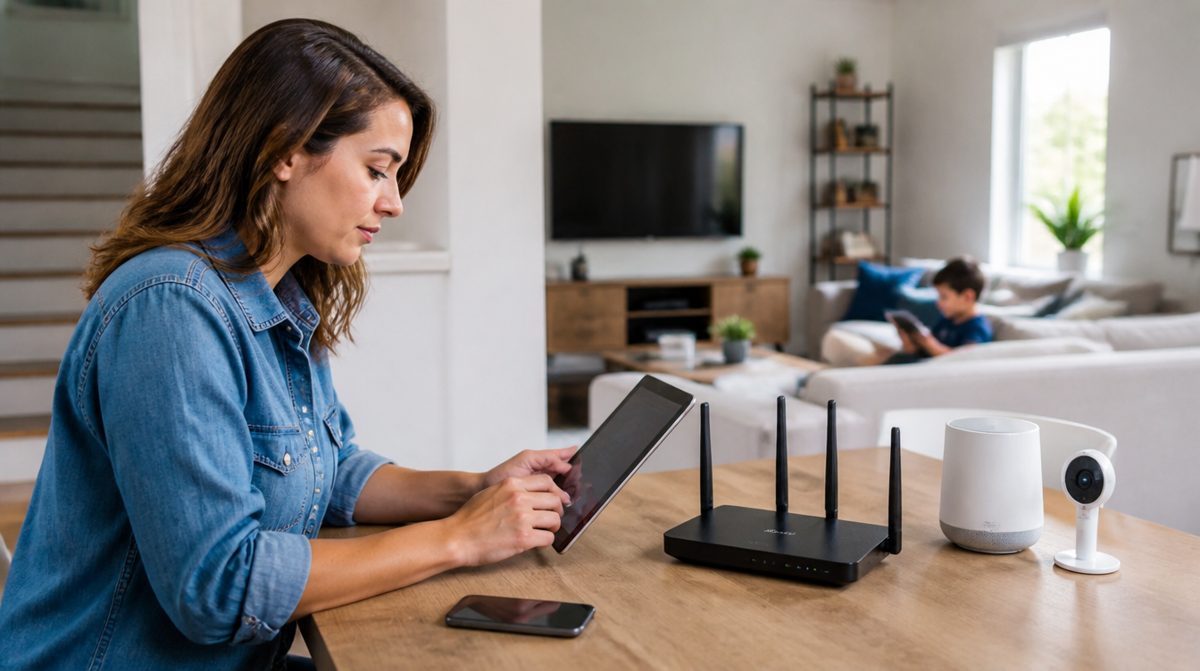
Your home network connects phones, computers, TVs, cameras, and often a growing pile of smart gadgets. Securing it does not require expert knowledge. Work through this checklist, and you will block many of the most common problems. Check items off as you go, and revisit the list a couple of times a year.
Secure the router
Your router is the front door to your network, so start there.
- Change the default administrator password on the router's settings page. The factory password is often widely known.
- Change the default network name if it reveals your router brand or your name.
- Turn on the strongest wireless encryption your router supports, which is WPA3 or WPA2 on older models. Never use an open or outdated WEP setup.
- Use a long, unique Wi-Fi password, ideally a passphrase of several random words.
- Disable remote administration unless you truly need it.
- Turn off WPS, the push-button pairing feature, if you do not use it.
- Check for firmware updates, and enable automatic updates if available.
Separate and limit access
Not every device deserves the same trust.
- Create a guest network for visitors so they never touch your main devices.
- Place smart TVs, cameras, and other connected gadgets on a separate network or guest network when your router allows it.
- Review the list of connected devices and remove anything you do not recognize.
- Share your Wi-Fi password sparingly, and change it if it has spread further than you would like.
Protect the devices on it
Computers and phones
- Keep the operating system and apps updated.
- Use the built-in security tools and leave the firewall on.
- Lock each device with a PIN, passcode, or biometric sign-in.
Smart and connected devices
- Change the default password on every camera, doorbell, and hub.
- Install the latest firmware from the maker's app.
- Remove devices you no longer use, since abandoned gadgets stop receiving updates.
- Turn off features you do not use, such as remote viewing or voice purchasing.
Strengthen the basics
- Use a password manager so every account gets a unique password.
- Enable two-factor authentication on email, banking, and cloud accounts.
- Consider setting your router or devices to use a trusted DNS service that filters known malicious sites.
- Be cautious with public Wi-Fi, and use your phone's hotspot or a reputable VPN when handling sensitive tasks away from home.
Keep an eye on things
- Note the router's model and the date of its last update.
- Replace routers that no longer receive security updates from the manufacturer.
- Skim your router's logs or app notifications for unfamiliar devices.
- Back up important files so you can recover from ransomware or hardware failure.
What to do if something seems wrong
If you notice strange devices, sudden slowdowns, or unexpected pop-ups, change the router's admin password and Wi-Fi password first. Then update the firmware and restart. If problems continue, a factory reset of the router followed by a clean setup is a reliable fix. Contact your internet provider or the router's maker for help with specific steps.
A quick note on priorities: if the full list feels long, begin with the router password, the Wi-Fi password, and updates. Those three changes close the most common gaps. Keep a short written record of what you changed and when, so the next review takes minutes instead of an hour, and ask a household member to help so the knowledge is not stuck with one person.
Network security is a habit rather than a one-time project. Tick off the router items first, then the device items, and set a reminder to review everything twice a year. A few small changes make your home network much harder to attack.